
Simple use of GRS API#
import os

import matplotlib as mpl
import matplotlib.pyplot as plt

import numpy as np
import xarray as xr

import cartopy.crs as ccrs

# import the GRS package suite
import GRSdriver
import grs
#import grstbx

print(f'-GRSdriver: {GRSdriver.__version__}')
print(f'-grs: {grs.__version__}')
#print(f'-grstbx: {grstbx.__version__}')
-GRSdriver: 1.0.3
-grs: 2.1.6
Set the path of your Sentinel-2 image and corresponding CAMS and DEM files#
file = '/data/satellite/Sentinel-2/L1C/30PYT/2018/10/19/S2A_MSIL1C_20181019T102031_N0500_R065_T30PYT_20230815T043850.SAFE'

tile = file.split('_')[-2][1:]
dem_file = '/home/harmel/Dropbox/Dropbox/satellite/dem/COP-DEM_GLO-30-DGED_'+tile+'.tif'
cams_file = '/data/cams/world/cams_forecast_2018-10.nc'
In this example we set the output resolution to 20 m and force the aerosol model to be desert dust ‘DESE_rh70’#
process_ = grs.Process()
process_.execute(file,
            cams_file=cams_file,
            resolution=20,
            surfwater_file=None,
            dem_file=dem_file,
            scale_aot=1,
            opac_model='DESE_rh70')
INFO:root:Open raw image and compute angle parameters
/home/harmel/anaconda3/envs/grstbx/lib/python3.9/site-packages/xarray/core/indexes.py:659: RuntimeWarning: '<' not supported between instances of 'SpectralBandNames' and 'SpectralBandNames', sort order is undefined for incomparable objects.
  new_pd_index = pd_indexes[0].append(pd_indexes[1:])
INFO:root:pass raw image as grs product object
INFO:root:get CAMS auxilliary data
INFO:root:flagging from l1c data
INFO:root:cloud masking with s2cloudless
INFO:root:land masking
INFO:root:cirrus masking
INFO:root:high swir masking
INFO:root:loading look-up tables
INFO:root:compute gaseous transmittance from cams data
INFO:root:correct for gaseous absorption
INFO:root:compute spectral index (e.g., NDWI)
INFO:root:apply water masking
INFO:root:lut interpolation
INFO:root:selected aerosol model: DESE_rh70
INFO:root:scaling aot by: 1
INFO:root:set final parameters
INFO:root:compute surface pressure from dem
INFO:root:run grs process
INFO:root:success
INFO:root:construct final product
INFO:root:construct l2a
process_.l2a.l2_prod
<xarray.Dataset>
Dimensions:      (wl: 11, y: 5490, x: 5490)
Coordinates:
  * wl           (wl) int64 443 490 560 665 705 740 783 842 865 1610 2190
    time         datetime64[ns] 2018-10-19T10:20:31
  * x            (x) float64 7e+05 7e+05 7e+05 ... 8.097e+05 8.097e+05 8.098e+05
  * y            (y) float64 1.3e+06 1.3e+06 1.3e+06 ... 1.19e+06 1.19e+06
    band         int64 1
    spatial_ref  int64 0
Data variables:
    Rrs          (wl, y, x) float32 nan nan nan nan nan ... nan nan nan nan nan
    BRDFg        (y, x) float32 nan nan nan nan nan nan ... nan nan nan nan nan
    aot550       (y, x) float32 0.185 0.185 0.185 0.185 ... 0.1989 0.1989 0.1989
    vza          (y, x) float32 8.844 8.844 8.84 8.84 ... 2.088 2.091 2.091
    sza          (y, x) float64 nan nan nan nan nan nan ... nan nan nan nan nan
    raa          (y, x) float64 313.3 313.3 313.2 313.2 ... 118.2 118.4 118.4
    flags_l1c    (y, x) int64 184 184 184 184 184 184 ... 120 120 120 120 120
    dem          (y, x) float32 308.6 308.5 308.7 308.9 ... 232.8 232.9 233.0
    surfwater    (y, x) int8 1 1 1 1 1 1 1 1 1 1 1 1 ... 1 1 1 1 1 1 1 1 1 1 1 1
Attributes: (12/68)
    long_name:                           CA BLUE GREEN RED VRE_1 VRE_2 VRE_3 ...
    constellation:                       Sentinel-2
    constellation_id:                    S2
    product_path:                        /data/satellite/Sentinel-2/L1C/30PYT...
    product_name:                        S2A_MSIL1C_20181019T102031_N0500_R06...
    product_filename:                    S2A_MSIL1C_20181019T102031_N0500_R06...
    ...                                  ...
    ndwi_threshold:                      0.0
    vis_swir_index_threshold:            0.0
    hcld_threshold:                      0.003
    dirdata:                             /data/grs/grsdata
    abs_gas_file:                        /home/harmel/anaconda3/envs/grstbx/l...
water_vapor_transmittance_file: /home/harmel/anaconda3/envs/grstbx/l...Apply next cell if you want to save the output L2A image into the GRS format.#
process_.ofile='/data/satellite/grs_v21_test_image'
process_.write_output()
INFO:root:export final product into netcdf
INFO:root:export into encoded netcdf
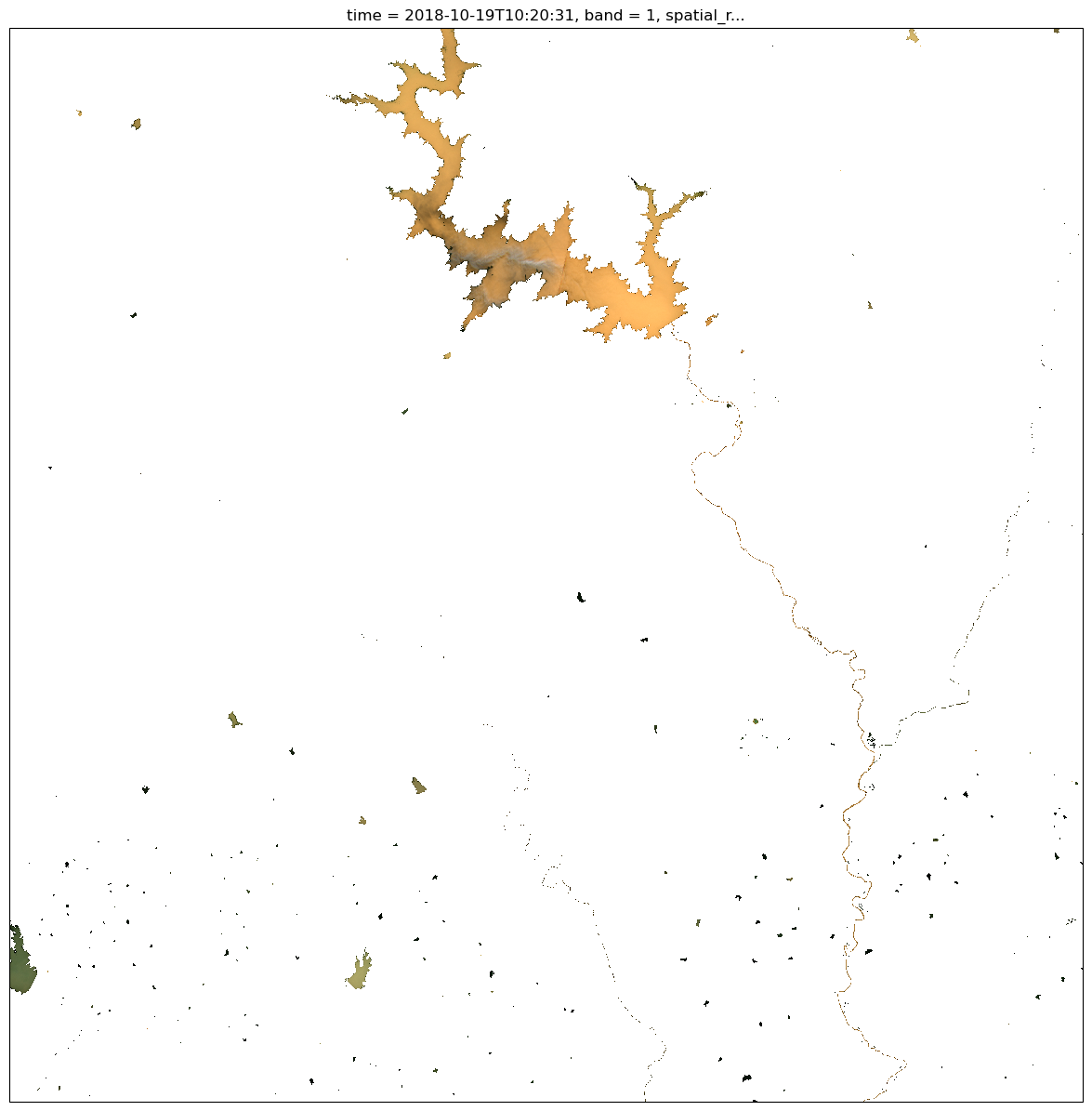
You can then easily plot the corrected images from the remote sensing reflectance, \(R_{rs}\ (sr^{-1})\).#
str_epsg = str(process_.l2a.l2_prod.rio.crs)
zone = str_epsg[-2:]
is_south = str_epsg[2] == 7
proj = ccrs.UTM(zone, is_south)

plt.figure(figsize=(15,15))
process_.l2a.l2_prod.Rrs.sel(wl=[665,560,490]).plot.imshow(rgb='wl', robust=True,subplot_kws=dict(projection=proj))
<matplotlib.image.AxesImage at 0x7fba970c2a00>
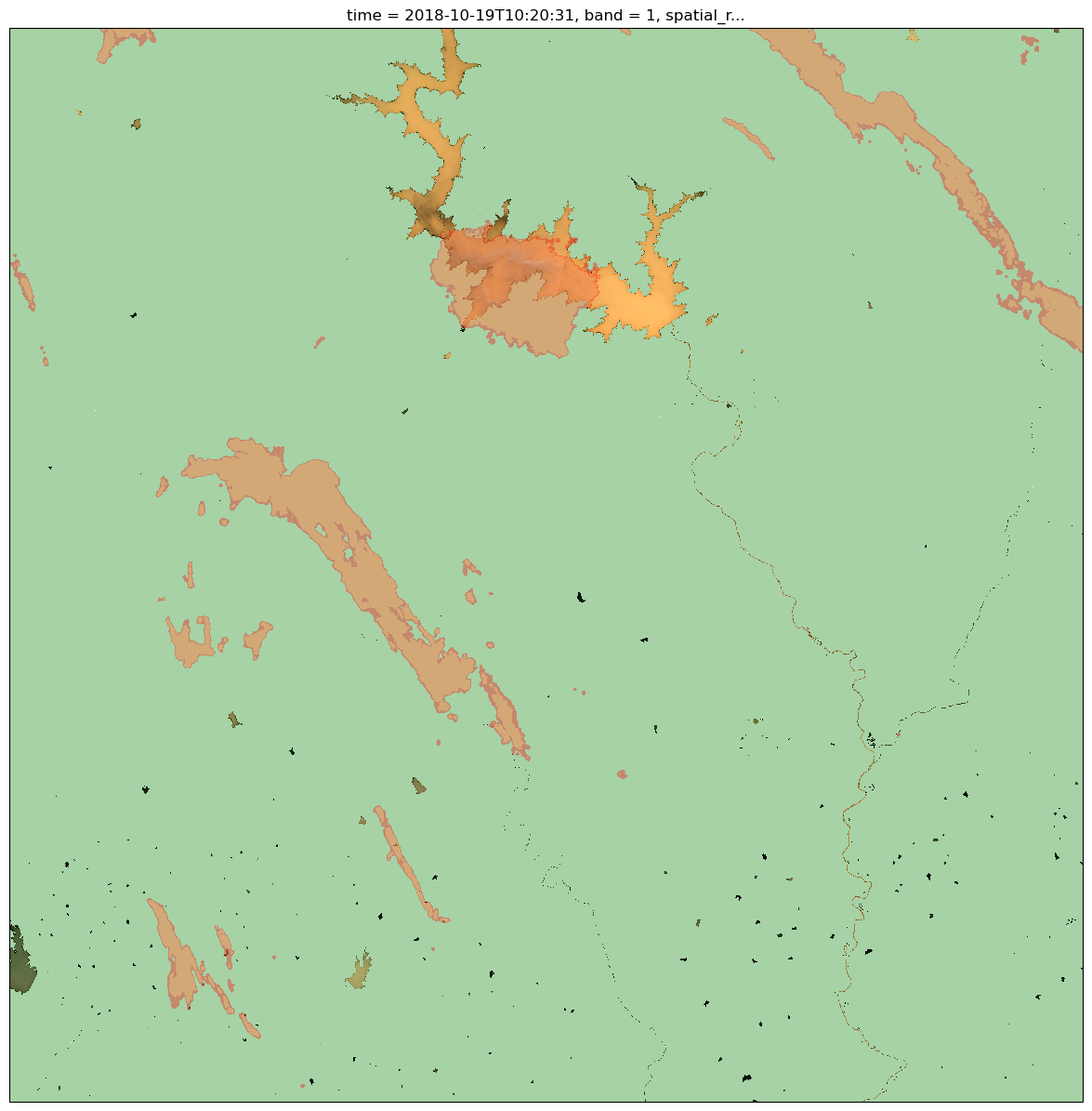
Then, you can check the flags#
raster = process_.l2a.l2_prod
str_epsg = str(process_.l2a.l2_prod.rio.crs)
zone = str_epsg[-2:]
is_south = str_epsg[2] == 7
proj = ccrs.UTM(zone, is_south)


alpha=0.35
bcmap = mpl.colors.ListedColormap([(0,0,0,0),'khaki'])
bcmap2 = mpl.colors.ListedColormap([(0,0,0,0),'red'])

plt.figure(figsize=(15,15))
raster.Rrs.sel(wl=[665,560,490]).plot.imshow(rgb='wl', robust=True,subplot_kws=dict(projection=proj))

# get landmask (third bit)
bcmap = mpl.colors.ListedColormap([(0,0,0,0),'green'])
flag_value = 1 << 3
((raster.flags_l1c & flag_value) != 0).plot.imshow(cmap=bcmap,alpha=alpha,add_colorbar=False)
# get cloud p06 (second bit)
bcmap = mpl.colors.ListedColormap([(0,0,0,0),'red'])
flag_value = int('0010', 2)
((raster.flags_l1c & flag_value) != 0).plot.imshow(cmap=bcmap,alpha=alpha,add_colorbar=False)
# get cloud p08 (third bit)
bcmap = mpl.colors.ListedColormap([(0,0,0,0),'khaki'])
flag_value = int('0100', 2)
((raster.flags_l1c & flag_value) != 0).plot.imshow(cmap=bcmap,alpha=alpha,add_colorbar=False)
<matplotlib.image.AxesImage at 0x7fba97122c10>
You can also check the shade from the elevation from the digital elevation model (DEM)#
azi = raster.attrs[‘mean_solar_azimuth’] sza = raster.attrs[‘mean_solar_zenith_angle’] dem_attrs = grstbx.dem.compute_dem_attributes(raster.dem,sza,azi)
plt.figure(figsize=(15,15)) dem_attrs.shaded.plot.imshow(robust=True,subplot_kws=dict(projection=proj),cmap=plt.cm.Greys_r,cbar_kwargs={‘shrink’:0.4}) process_.l2a.l2_prod.Rrs.sel(wl=[665,560,490]).plot.imshow(rgb=‘wl’, robust=True,subplot_kws=dict(projection=proj))
Finally you can mask your image from the desired combination of flags#
# get cloud p08 (third bit)

flag_value = 1 << 2
mask = ((raster.flags_l1c & flag_value) != 0)
Rrs = process_.l2a.l2_prod.Rrs.where(~mask)

plt.figure(figsize=(15,15))
#dem_attrs.shaded.plot.imshow(robust=True,subplot_kws=dict(projection=proj),cmap=plt.cm.Greys_r,cbar_kwargs={'shrink':0.4})
Rrs.sel(wl=[665,560,490]).plot.imshow(rgb='wl', robust=True,subplot_kws=dict(projection=proj))
<matplotlib.image.AxesImage at 0x7fba96907430>
